
24 Nov Clipping Path vs Background Removal: Which One Does Your Product Actually Need?
Clipping Path vs Background Removal: Which One Does Your Product Actually Need?
You need your product on a clean white background. You have two options: a hand-drawn clipping path, or an automated background removal tool. Choose the wrong one, and you’ll either overpay for simple work or under-deliver on complex products that need human judgment.
This guide breaks down the real differences, when to use each, and how to tell which your product actually needs.
What Is a Clipping Path?
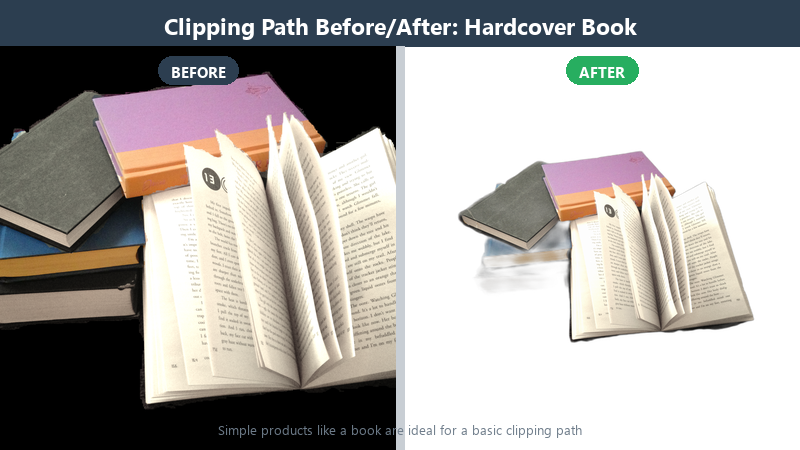
Think of it as a stencil drawn by hand: the Pen Tool traces the subject, the path closes, and Photoshop hides everything outside it. Because the result is vector — points and curves, not pixels — nothing is ever final. Every point can be nudged tomorrow without starting over.
Clipping paths excel at:
- Hard-edged products: boxes, bottles, electronics, packaging
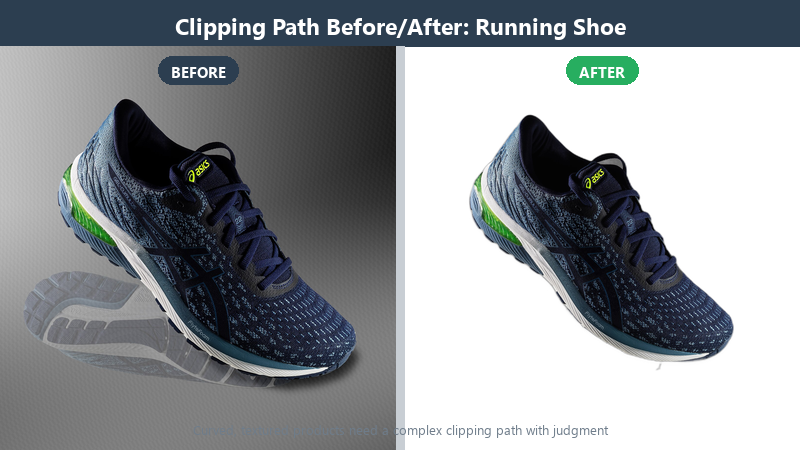
- Curved but defined surfaces: shoes, handbags, furniture
- Work that must match a written brand standard across hundreds of images
- Images that need constructed shadows, reflections, or ghost mannequin effects
What Is Background Removal?
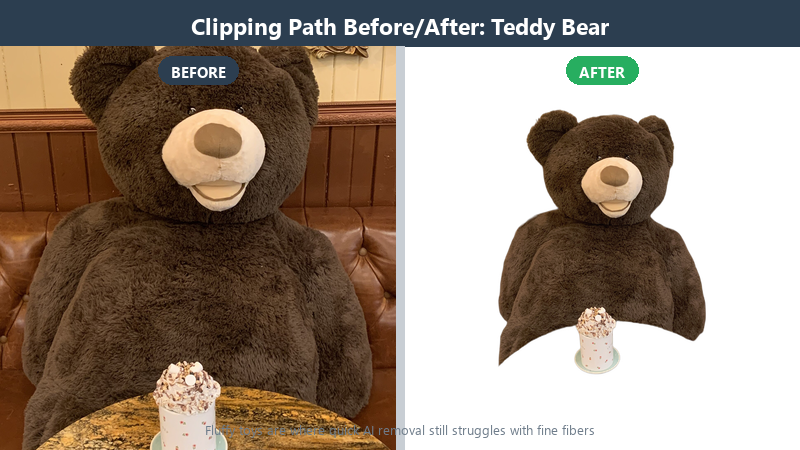
Background removal usually means AI-powered tools that automatically detect “the product” and erase everything else. Upload an image, get a cutout in seconds. It’s fast, cheap, and requires no skill.
Background removal excels at:
- Simple, high-contrast subjects on plain backgrounds
- High-volume, low-stakes catalog work
- Quick mockups and internal proofs
The Critical Differences
| Feature | Clipping Path (Pen Tool) | AI Background Removal |
|---|---|---|
| Edge precision | Pixel-perfect, hand-controlled | Varies; often soft or jagged |
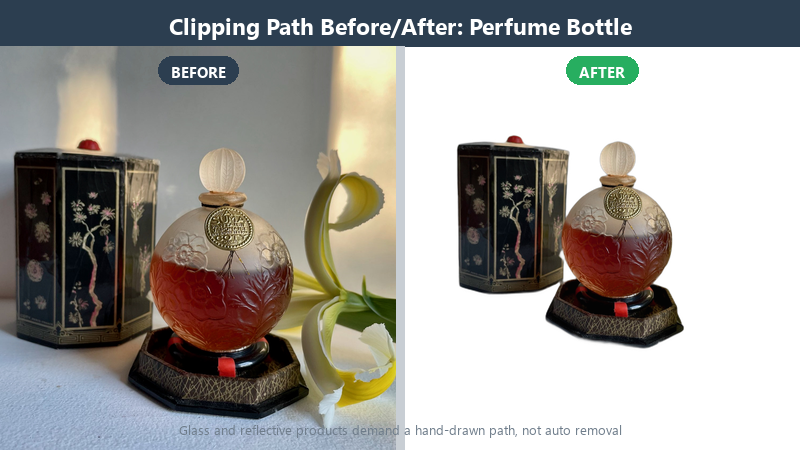
| Translucent materials | Handled with channel masking | Frequently fails; looks plastic |
| Brand consistency | Identical across a catalog | Varies with each input |
| Editable | Yes — every point is revisable | No — baked-in result |
| Speed | Minutes to hours per image | Seconds per image |
| Cost | $0.40–$3.00+ per image | Often free or very cheap |
When to Use a Clipping Path
Use clipping path when:
- Edge quality matters. Jewelry, glass, watches, and shoes have details that AI eats away. A hand-drawn path preserves prongs, laces, and frame thickness.
- You’re selling on Amazon or a strict marketplace. White-background requirements are strict, and halos or eaten edges can get listings suppressed.
- You need brand consistency. A catalog of 500 products must look like it came from one shoot. Clipping paths follow a written spec; AI output varies.
- You need constructed effects. Drop shadows, reflections and ghost mannequin effects are built by an editor, layer by layer — no one-click remover produces them.
- The image needs revision. If the client wants the edge moved, the shadow softened, or the color corrected, a clipping path is editable. AI output isn’t.
When to Use Background Removal
Use AI background removal when:
- The product is simple, high-contrast, and on a plain background
- You need volume more than perfection (thousands of images, tight deadline)
- The image is for internal use, social media, or low-stakes placements
- You’re testing a product line before committing to professional editing
The Hidden Cost of “Cheap”
Run the math across a full catalog: reshoots, revision rounds and re-uploads turn a bargain cutout into the most expensive image on the page.
Where does that leave the verdict? Automate the simple, high-contrast, high-volume stack; keep everything that involves interpretation, brand consistency or a constructed shadow on a human desk.
How to Decide for Your Product
Ask three questions:
- Does my product have soft, translucent, or intricate edges? If yes → clipping path with masking.
- Do I need all images to look identical? If yes → clipping path to a written spec.
- Will I need to revise these images later? If yes → clipping path, because it’s editable.
If you answered no to all three, background removal might be fine. If you answered yes to even one, invest in a clipping path service.
A Real Catalog Scenario: 1,200 SKUs Before Black Friday
Picture a home-goods seller preparing for Black Friday with 1,200 SKUs and four weeks. Roughly 60% of the line is simple — boxed mixers, tubes, candles with hard silhouettes. About 30% sits in the middle: sneakers, handbags, small appliances with curves and a few holes. The last 10% is where projects go to die: glassware, chrome faucets, a faux-fur throw that reads as background to every machine tested.
Run the whole batch through one method and the deadline slips. Split it, and the math works: the simple 60% clears in days at the lowest rate, the middle 30% gets a dedicated editor team, and the hardest 10% goes to senior hands from day one. The seller ships on time, and the images that shoppers zoom into most — the hero products — got the most skilled minutes.
We see this pattern weekly. The winners are never the sellers who picked one tool. They are the ones who sorted the work first.
The Hybrid Workflow We Run Every Day
Inside our Khulna floor, automation is not the enemy — it is the receptionist. Every incoming image is triaged: contrast, edge complexity, translucency, and background chaos are scored, and the file is routed accordingly. Simple cuts move down a fast lane where a basic path plus a consistency check takes minutes. Anything ambiguous jumps the queue to an editor who opens the Paths panel and starts drawing.
The hand-off matters more than the split. Automated drafts that pass triage still get a human eye before delivery, because a confident wrong edge is worse than an honest hard job. And hand-drawn work gets measured against the same written spec — same white point, same shadow angle — so a shopper browsing fifty images sees one store, not fifty freelancers.
That is the whole trick: automation for volume, judgment for edges, and a spec that makes both look identical to the customer.
Questions We Hear Every Week
“Can I just run everything through AI and fix the bad ones?” You can try, but “finding the bad ones” is the expensive part. A wrong edge you never notice is a wrong edge that costs you sales. Sorting catches problems before delivery, not after launch.
“Why not one flat rate for everything?” Because a flat rate quietly taxes your easy images to subsidize the hard ones. Per-complexity pricing means the box shots stay cheap and only the fur really costs you.
“Do you keep the paths you draw?” Yes — delivered PSDs and TIFFs carry saved paths, so your team can re-open, adjust, or reuse them next season. That file is an asset, not a deliverable you throw away.
“What if I only have twenty images?” Then the free trial is basically your whole project. Send them, get them back clipped, and judge.
What Actually Changes in Your First 30 Days of Hybrid
Sellers who switch to a sorted workflow usually expect chaos; they get boring consistency instead. Week one is a sorting exercise — your catalog scored into simple, mid, and hard tiers, with the spec sheet frozen so every vendor and internal editor works from the same page. Week two is a sample batch from each tier, returned and reviewed against that spec, with edge samples circled at zoom so expectations are visual, not verbal. Week three is volume: the simple lane hums, the hard lane clears with senior attention, and the first QC reports start arriving with every delivery.
By day 30, two things have quietly changed. Your image pipeline has a language — nobody argues about what “clean” means, because the spec defines it. And your launch calendar stops being hostage to the ten hardest images in the batch, because those were handled first, not last.
Nothing about that month required new software, a bigger budget, or a re-shoot. It required sorting, a spec, and the discipline to route judgment where judgment belongs.
So, Which Should You Pay For?
In our Khulna editing floor this question comes up every day, and after fifteen years the split rarely changes: simple, high-contrast, high-volume work goes to automation; anything that needs judgment stays on the pen tool.
Background removal removes the background. A clipping path isolates the product. One is a filter; the other is a craft. For e-commerce, where the photograph is the product, the craft usually wins.
Not sure which side your catalog falls on? Send us two samples — one simple, one difficult. We’ll clip both by hand, free, and you can judge the edges at 200% zoom yourself.

No Comments