
23 Nov The Complete Guide to Clipping Path Services for E-Commerce Product Photography
The Complete Guide to Clipping Path Services for E-Commerce Product Photography
If you sell products online, your images do your selling for you. A shopper can’t pick up your item, can’t feel the material, can’t turn it over. Everything they know comes from a photograph. That’s why clipping path services exist — not just to remove backgrounds, but to make products look trustworthy enough to buy.
This is the complete guide to clipping path services: what they are, the types, how much they cost, how to choose a provider, and why the pen tool still matters in an age of AI.
What Is a Clipping Path?
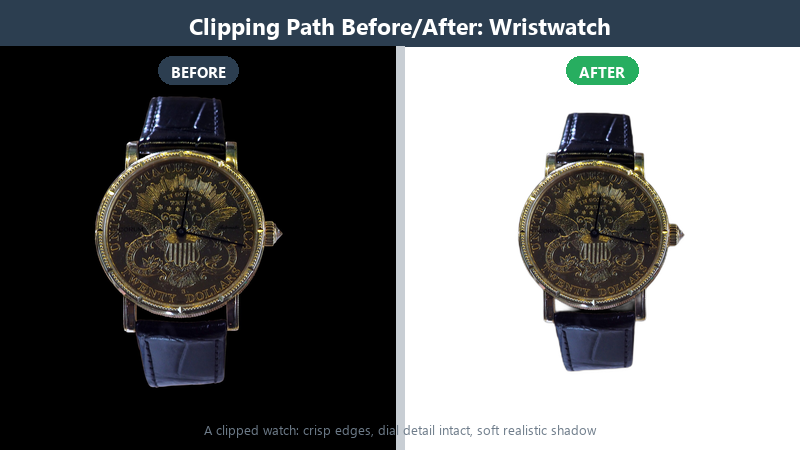
A clipping path is a closed vector path drawn around a product in Photoshop using the Pen Tool. Everything inside the path is kept; everything outside is masked away. The result is a clean subject on a transparent or white background — ready for marketplace listings, websites, and catalogs.
Anchor points and curves make the result fully editable: each point is a judgment you can revisit tomorrow. Automated output offers no such second chance.
The Seven Main Types of Clipping Path
Most clipping path work falls into these categories:
1. Simple Clipping Path
For straight-edged, hard objects: boxes, packaging, bottles, electronics. Fast and affordable — the version of the job outsiders imagine.
2. Complex Clipping Path
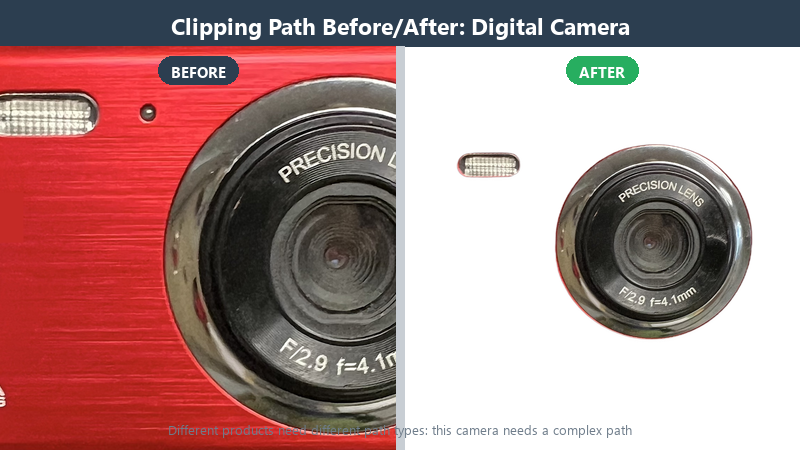
For curved surfaces, reflective metal, glass, and soft goods where the edge isn’t really an edge. Paths here stop being geometry and start being judgment.
3. Hair and Translucent Masking
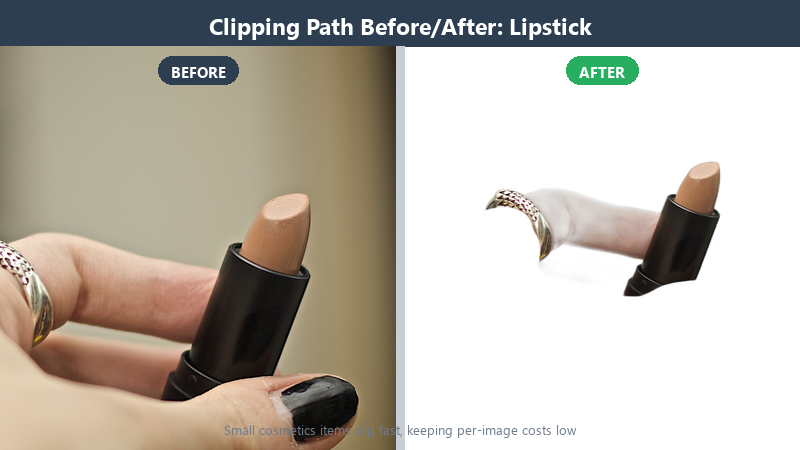
Flying hair, fur, sheer fabric, smoke, and mesh. A single hard path can’t do this. Editors build multiple paths and channel-based masks and paint transitions by hand.
4. Shadow Work
Drop shadow, reflection shadow, soft shadow. The shadow makes a cut-out product look like it’s standing somewhere instead of floating.
5. Color Correction and Colorization
Restoring faded product shots, correcting color cast from mixed lighting, and reviving old photographs.
6. Raster to Vector
Turning scanned logos or illustrations into clean, scalable line art.
7. Retouching and Restoration
Removing dust, scratches, spots, and distractions without making the product look airbrushed.
Why Automation Hasn’t Replaced Clipping Path Services
AI background removal tools have improved dramatically. But they still break in predictable ways:
- They can’t resolve ambiguity. Is that thin plastic wrap part of the product or background? A human knows; a machine guesses.
- They have no brand standard. Catalogs need the same shadow angle and white point on image 1 and image 900. AI output varies with every input.
- They can’t correct themselves. When AI gets it wrong, halos and eaten edges are hard to fix. A clipping path point can simply be moved.
- They can’t construct effects. And some products cannot be extracted at all: ghost mannequin composites, flying-hair masking and glass reflections are constructed by an editor, one layer at a time.
Clipping Path Service Pricing
Rates typically scale with complexity:
- Simple clipping path: ~$0.40 per image
- Hair and translucent masking: ~$0.80 per image
- Complex clipping path: ~$2.00 per image
- Raster to vector: ~$3.00 per image
The real metric isn’t the cheapest cutout — it’s the total cost per usable image. Multiply one bad batch across five hundred SKUs and the savings evaporate — re-edits, re-uploads and a delayed launch cost far more than doing it right once.
How to Choose a Clipping Path Provider
Judge any provider on four things:
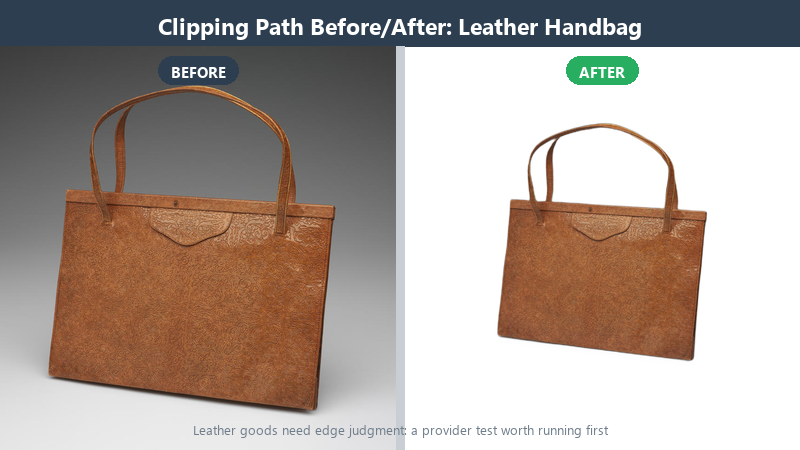
- Do they show you the edges? Ask for hair masking and glass at 200% zoom, not thumbnails.
- Can they match a written spec? Send your brand image standard. Good shops follow specs; cheap shops follow habits.
- What is their revision policy? If revisions cost extra, the quoted price is fiction.
- What happens at your volume? A shop that handles 20 images a week may fall apart at 2,000. Ask about shift coverage and QC process.
What Happens After Clipping
A clipped image isn’t finished. It needs shadow work, color correction, and consistency checks before it’s ready to sell. Look for providers that offer double quality control — one check for obvious errors, a second for what the first missed.
Anatomy of a Professional Clip: Intake to Delivery
Every image that reaches us walks the same eight steps. Intake: your spec sheet lands with the files — background color, shadow style, output sizes, naming rules. Sorting: each image is scored for complexity so it lands on the right desk first, not last. Drawing: the path or mask is laid down at high zoom. Refinement: edges are walked at 200% to catch strays. Shadow and color: the cut-out is grounded and matched to your reference. First QC: a second pair of eyes checks the checklist. Second QC: a different reviewer looks only for what the first one was too close to see. Export: files are cut to every size your channel needs, named to your convention, and shipped.
None of these steps is glamorous. Together they are why a two-thousand-image catalog comes back looking like one photographer shot it in one afternoon.
Where Clipped Images Show Up (It Is Not Just Marketplaces)
Marketplace listings are the loud use case, but print never left. Catalog designers working in InDesign ask for TIFF files with embedded clipping paths so the layout software itself can knock out backgrounds — no alpha channel, no surprises at the printer. Packaging teams paste clipped products into dieline mockups. Lookbook designers drop models onto seasonal backgrounds. Advertising studios build composites where your product sits beside props that were never in the original frame.
Each destination has its own technical quirks — print wants CMYK-safe edges, web wants lightweight PNGs, composites want clean alpha. A path drawn well once serves all of them. A sloppy cut shows up in every one of them, too.
A Three-Decade Survivor: Paths From 1990 to Today
The Pen Tool shipped with Photoshop 1.0 in 1990, borrowed from the print world where paths drove high-end imagesetters. Since then, the selection toolbox has grown a magnetic lasso, quick selection, content-aware anything, and now neural “select subject.” Every generation promised the Pen Tool’s retirement. Every generation, the print houses and marketplaces kept asking for paths.
There is a reason. A path is not a guess stored as pixels — it is a statement of intent stored as geometry. It survives format changes, resizes, and re-edits. It prints cleanly at 300 DPI and scales to a billboard. Thirty-five years of tooling later, that is still the standard serious buyers specify by name.
Myths We Correct in Every Sales Call
Myth: AI made clipping paths obsolete. AI made simple clipping paths cheap. Fur, glass, white-on-white, and brand-spec work still fail the machine — that gap is the entire service.
Myth: All providers are the same; only price differs. Two shops can quote $0.40 for the same image and deliver different products: one with halos and a revision loop, one correct on arrival. The rate card is not the product; the QC process is.
Myth: “Complex” is a scam category. Complex is measurable: edge count, curve density, translucency, holes. Ask a provider to score your sample before you argue about the price. Honest shops will; vague ones will not.
How to Read a Provider’s Portfolio in Five Minutes
Portfolios are curated, but they still leak the truth if you know where to look. First, zoom — ask for or open the full-resolution originals; thumbnails are marketing, pixels are evidence. Second, scan a single row of similar products: if edge softness drifts across the row, the shop is freelancing its standards rather than following one. Third, read the filenames and captions — disciplined shops label files like professionals, because the same habit drives their QC. Fourth, look for the hard categories: a portfolio with no fur, no glass, and no white-on-white is telling you where they do not want to compete.
Fifth, and most telling: find one before/after pair and check the after against reality — does the shadow direction match the highlights on the product? Fabricated pairs get that wrong. Real work cannot.
Where That Leaves Your Catalog
Clipping path is more than background removal. It’s the craft of making a product look real, trustworthy, and worth buying — all within a rectangle of pixels. For e-commerce sellers, photographers, and agencies, the right clipping path partner doesn’t just edit images. It protects your conversion rate.
The two-image free trial exists for exactly this decision. Send your hardest images and judge our edges before you commit to anything.

No Comments